AI and workflow automation services for your business.

Do you copy data between applications, review similar customer enquiries or assemble the same report every week? I build workflow automations that connect your business tools, carry out agreed tasks and highlight cases that need your decision.

I start with one workflow and a defined result. I combine rules, integrations and AI where they suit the task: from preparing a report to organising a document or drafting a customer response. Before quoting, I check data access and what your existing applications support.

Discuss your workflow
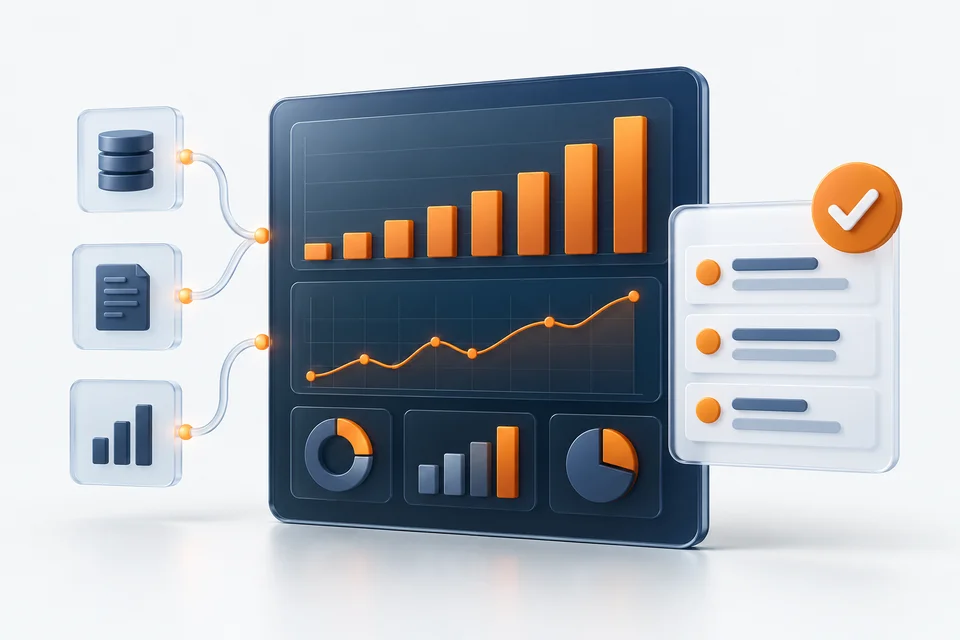
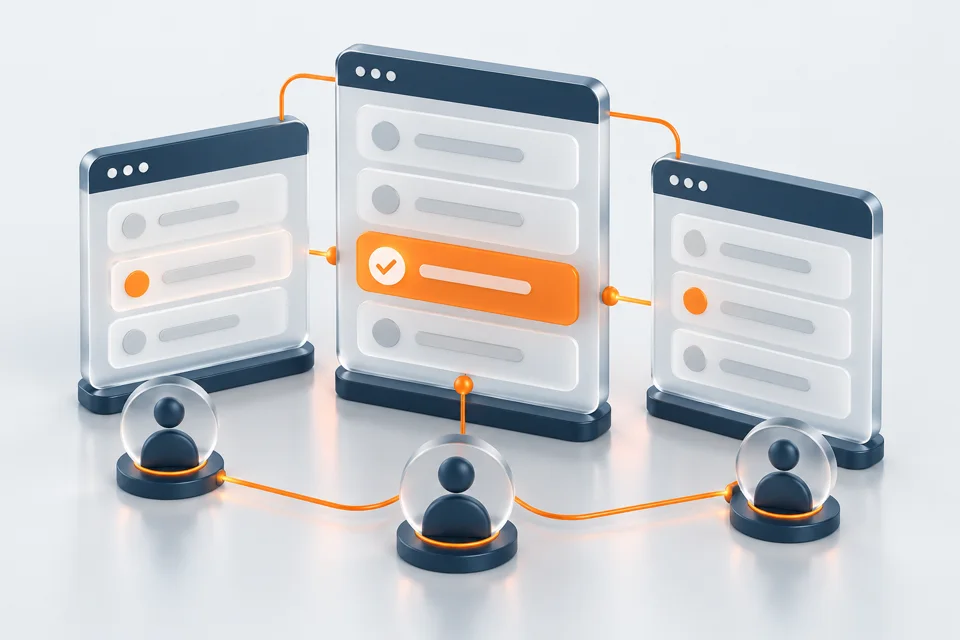
Illustrative business scene
Illustrative image — not a client photograph

Which business processes could you automate?

Customer service automation

An example workflow starts with a customer enquiry. AI identifies the topic and drafts a response using agreed reference materials. You review the content and decide whether to send it. Connecting an inbox or CRM, and any automatic sending, require a separately agreed scope and testing.

Documents and information workflows

AI can classify a document, extract agreed fields or prepare a summary. Rules check required data and pass the result to a file or application. Unreadable documents, missing fields and ambiguous results are flagged for review. This is an example implementation scope, adapted to your materials.

Reporting automation

I combine spreadsheets and data from agreed sources into a report prepared on demand or on a schedule. Explicit rules perform the calculations. AI can add commentary on changes and highlight cases for review. Missing costs and unavailable sources remain visible.

Data flows between stores, ERP and other applications

An automation can pass new or updated records to an agreed destination. Before implementation, I check APIs, field mapping, identifiers and duplicate detection. We agree the direction of synchronisation and the authoritative data source. Available operations depend on the specific application and permissions.

Sales analysis and marketing planning

A workflow can gather data for a sales review, while AI helps prepare proposed topics or actions. In my AI Marketing Centre project, analyses are started manually and the owner retains control over budgets and publication. I define your scope around the available data.

Files and repetitive tasks

Combining spreadsheets, organising columns and checking completeness can follow fixed rules. For example, valid orders go into a report while records without an identifier go into an exception list. If a script is sufficient, there is no need to add an AI model.

How do rules, integrations and AI work together?

Rules handle calculations and explicit conditions. Integrations read data and pass agreed changes between applications. AI helps interpret content, classify information and draft proposals. For each stage, we define the input, expected output and response to missing data or a failure.

For example, a workflow collects a request from an agreed source, AI proposes a category and response, and a user reviews the result before further action. A workflow can start with a button, a schedule or an application event. Local operation needs a running computer; server-based operation needs an available server and connections. A shared interface, user roles and case history may call for a custom system.

Examples from my portfolio

These are specific implementations, not fixed feature packages. I define your project scope separately. Client data and identities remain private.

Illustration of the solution scope

Advanced e-commerce reporting

I extended a client’s system with a report combining sales, product costs, marketplace fees, advertising, delivery and returns. Filters for period, channel and account help focus the analysis. Missing costs remain visible rather than being treated as zero. This illustrates integration and calculations that do not need AI at every step.

Explore this project
Illustration of the solution scope

AI Inventory Monitor

Local rules calculate product inventory conditions. New or materially changed cases go to AI to help explain recommendations. I added prioritisation, analysis limits and model cost controls. The user makes purchasing decisions; the module does not place orders.

Explore this project
Illustration of the solution scope

AI Marketing Centre

I built a centre with six agent roles, a shared plan, reports and approvals. Analyses are started manually, with a Marketing Manager role organising the findings. The owner retains control over publication and budgets.

Explore this project

Images illustrate the scope, not a live client interface.

Several files. One completed report.

Use sample orders to see how the program combines data, calculates the total, and separates lines that require correction.

Input files

Fictional demo data. No upload needed.

Orders — store AA-101 · 3 × PLN 40A-102 · 2 × PLN 65
Orders — store BB-201 · 1 × PLN 120Missing order number · 2 × PLN 40

Rule: only orders with an order number, a valid quantity and a valid price are included in the total.

The completed result appears here

In the live example, the program prepares a combined report and flags the row that needs more information. Try the example below. It uses fictional data and does not connect to external systems.

The demonstration uses the sample data shown above. I adapt the final program to your files and tools.

See a real project: advanced e-commerce sales reporting. The module brings together sales, product costs, marketplace fees, advertising, shipping and returns, while distinguishing known costs from missing data.

Controls for day-to-day operation

Data and access

We agree which system is the authoritative source, which permissions are needed and who can approve changes. Reading and writing data require separate permissions. Trial materials should exclude unnecessary confidential information.

Failures and repeated runs

We define what happens when a connection fails, a duplicate appears or data is missing. Running a task again should not unintentionally duplicate an operation. I test retries and any available reversal procedure for the agreed actions.

AI and decisions

We distinguish proposals for review from actions the software may carry out. AI can make mistakes. Sending messages, changing prices or placing orders requires agreed rules and permissions.

Ongoing operation

Before launch, we agree responsibility for hosting, backups, updates and fault reporting. Support hours, response times and further development are set out in the proposal.

From one workflow to a working solution

Discuss a real example

You show me the current workflow, data sources and desired result. We agree the initial scope, acceptance criteria and maximum billable hours.

Review an initial version

I prepare the selected workflow or interface using agreed examples. You check whether the layout and output suit your work before I build further features.

Test and launch

I check valid inputs, missing data, connection failures and permissions. Writing to your existing systems starts only within the agreed scope after testing.

Handover and support

You receive instructions, agreed access and a walkthrough. Support terms and additional features are agreed separately. You can share project materials and feedback through the client portal.

Pay for actual hours — up to an agreed cap

EUR 35 net per hour

Before work starts, I agree the scope, hourly rate and maximum billable hours with you. If I finish sooner, you pay less. If the agreed scope takes longer, I absorb the extra time.

  • Agreed cap: 10 hours. Completed in 6 hours: you pay for 6 hours — EUR 210 net.
  • Agreed cap: 10 hours. Completed in 12 hours: you pay for 10 hours — EUR 350 net.

Additional tasks outside the agreed scope require a separate quote and your approval before I start them. Extra time needed to complete the original scope does not increase your bill.

You receive a summary of the time worked. The cap covers my fee for the agreed scope. AI usage, hosting, hardware and paid tools are separate costs, which I explain and agree with you before purchase or activation.

Discuss scope and budget

Before you get started

How does AI workflow automation differ from an AI agent?

An automation moves a task through defined steps. It may use AI at a specific stage, such as classifying a message. An agent uses a model and the tools made available to it to carry out a defined task. In either case, we agree data access and actions that require approval.

Can I start with one workflow rather than the whole business?

Yes. We choose one task, sample data and acceptance criteria for the result. Testing also covers missing data and exceptions. I quote for further development separately after we review the initial implementation.

Which task should I start with?

Choose a repeatable activity with a clear input and output. A sample file and an explanation of exceptions help define the scope more effectively than a request to automate the entire business.

Can an automation change data in my applications?

Yes, where writing changes has been agreed and tested. We can start with reading data and preparing an export or proposal for approval.

What if a file format or API changes?

The process should report the issue or stop according to the agreed rules. Adapting to third-party changes and ongoing maintenance are addressed in the proposal.

Can you guarantee a specific time saving?

That requires measuring the current task and comparing it with a trial. I do not claim unmeasured savings. Acceptance criteria can cover output accuracy, exception handling and how the task is started.

Show me how you handle the task today

Describe the task, applications, frequency and result you need. Explain who will use the solution and which decisions need approval. A description or anonymised example is enough for an initial discussion. Do not send passwords or API keys.

Discuss your workflow

AI agents · System integration · Automation scripts