Actual screen · data obscured
Dashboard
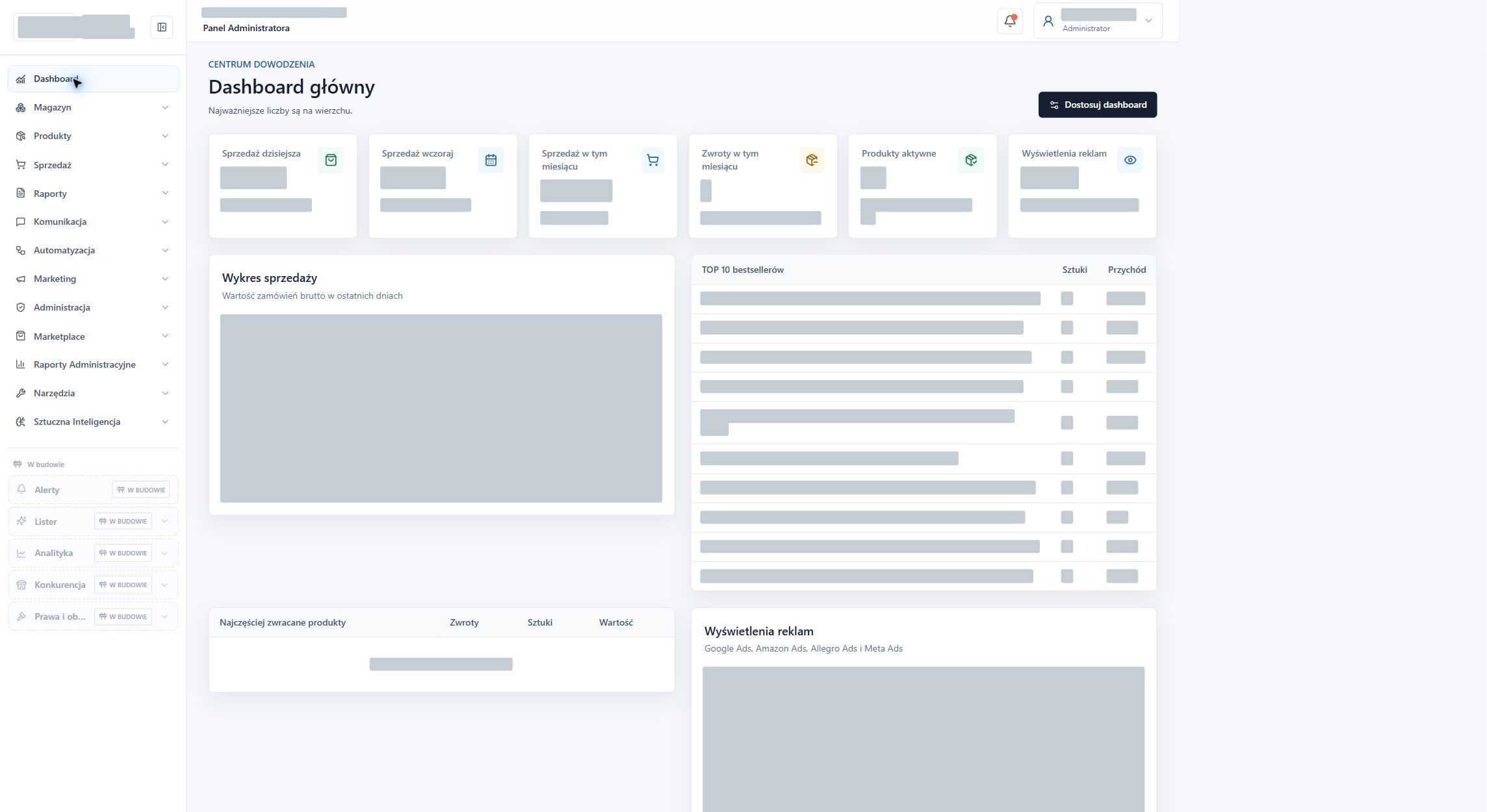
A shared dashboard with summaries of sales, returns, products, and advertising. Confidential results and charts have been obscured.

I designed and implemented a custom e-commerce dashboard, bringing sales, stock, products, reports, customer messaging and integrations into one environment.
I designed and implemented a common e-commerce environment. I was responsible for the server, database, interface, operational modules, and integration configuration. The system combines information about sales, products, inventory, costs, and customer service in a single dashboard.
I created sales and order views with channel and date filters. Each entry links to its order details. The returns module groups cases by channel, stage and reason, and shows the status of any adjustment.
I've combined the catalogue search by SKU, name, and EAN with views of inventory and in-transit items. The dashboard shows availability, reservations, and stock coverage. Deliveries retain information on the date, quantity, supplier, and document so you can check planned replenishment.
I built inventory forecasting, pricing, and margin calculations. The forecast compares sales rates with current inventory and deliveries, and the calculator takes into account cost-of-sale components. The user can evaluate the order proposal or price based on the data and assumptions.
I added a messaging interface that brings together conversations from connected channels and email. Contact history includes available order and delivery information. Notes, statuses, templates, signatures and translations help operators prepare responses, which they review and send.
I prepared sales reports and product data control views, including GPSR information. The integration panel organises channels, account connections, and diagnostics. The available data and actions depend on the configuration of the specific connection and user permissions.
The system is deployed and operational. The screenshots below show the real application with commercial data, correspondence and identifiers obscured. The brand name is withheld on request. The detailed scope describes the system’s features and modules.
I was responsible for the entire implementation: from the infrastructure and database to the dashboard, operational modules, and integration configuration. The system collects information needed for daily sales management and cost control.
Below I show specific screens and briefly explain their role.
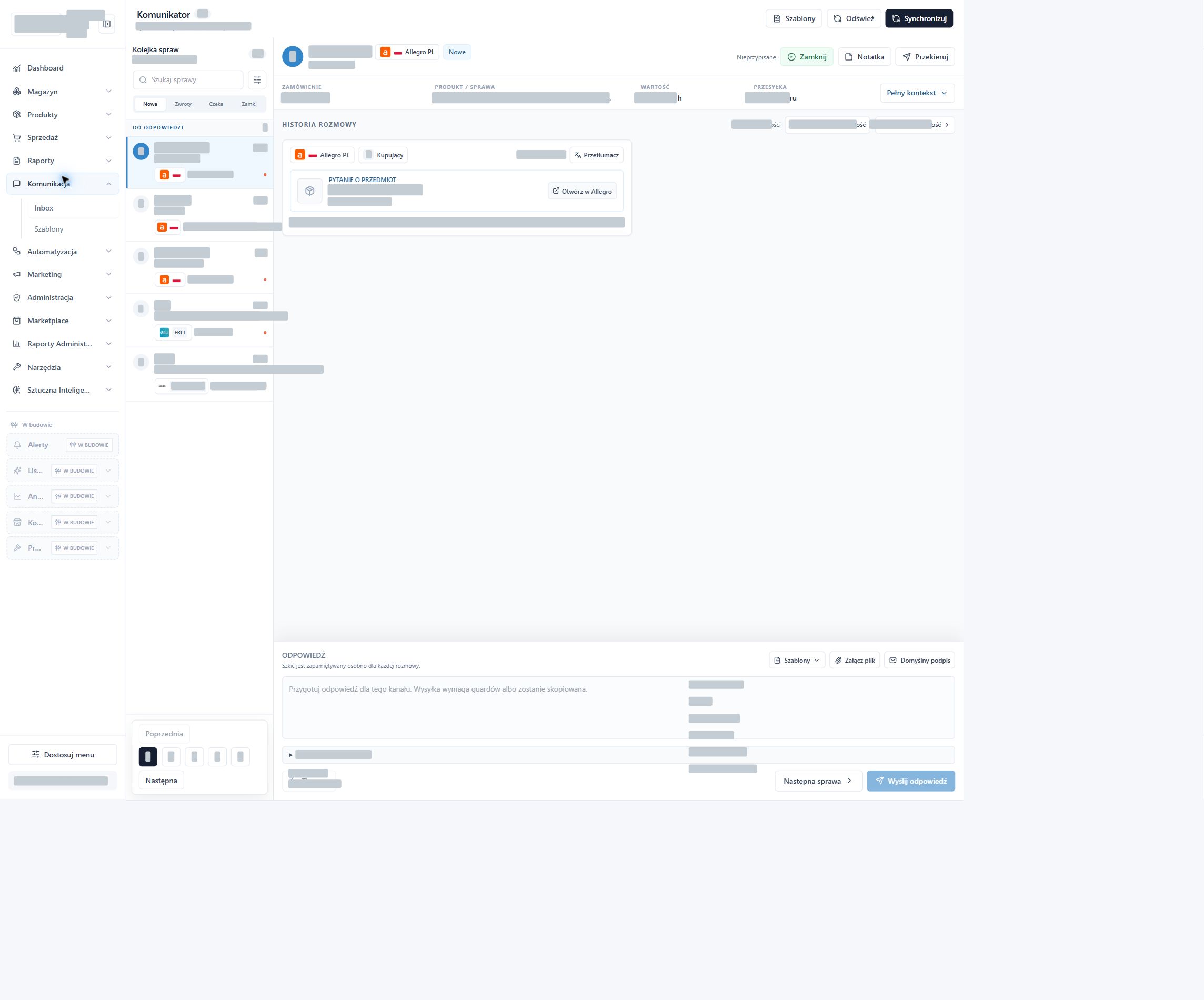
A shared mailbox collects conversations from connected sales channels and email. The operator can view the contact history and available order and shipment information alongside the messages.
Filters, notes, response templates, signatures, and translations support daily case management. The operator controls the content and delivery of responses.
View customer service messaging →Actual application screenshots. Company name, customer details, correspondence, identifiers, and confidential commercial and performance data have been obscured. Branding has been hidden upon request. Click on the screen to enlarge.
Actual screen · data obscured
A shared dashboard with summaries of sales, returns, products, and advertising. Confidential results and charts have been obscured.
Actual screen · data obscured
Actual case queue, conversation history, order context and response editor, with customer details and message content obscured.
Actual screen · data obscured
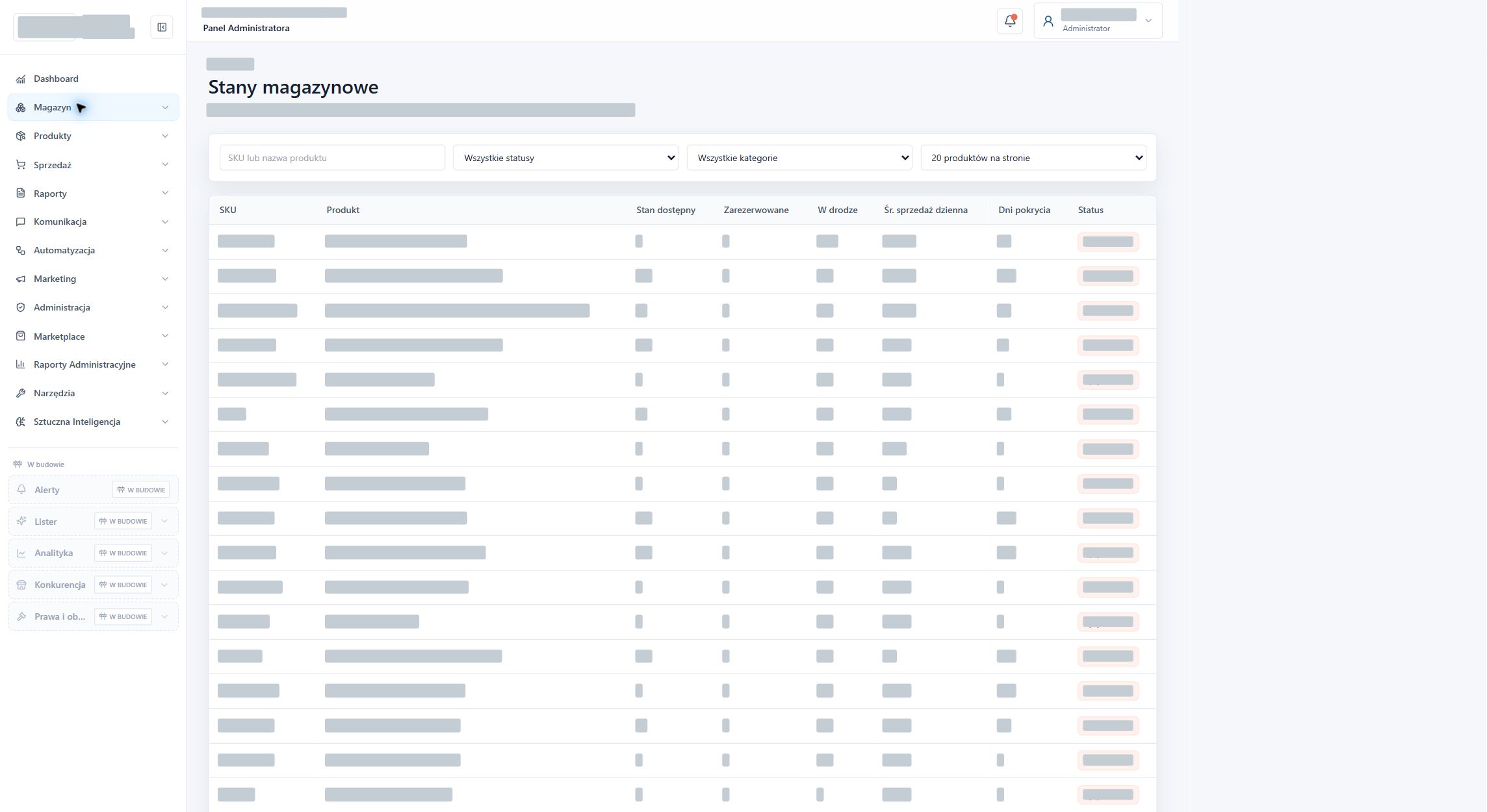
Product availability, reservations, goods in transit and stock coverage days in one view.
Actual screen · data obscured
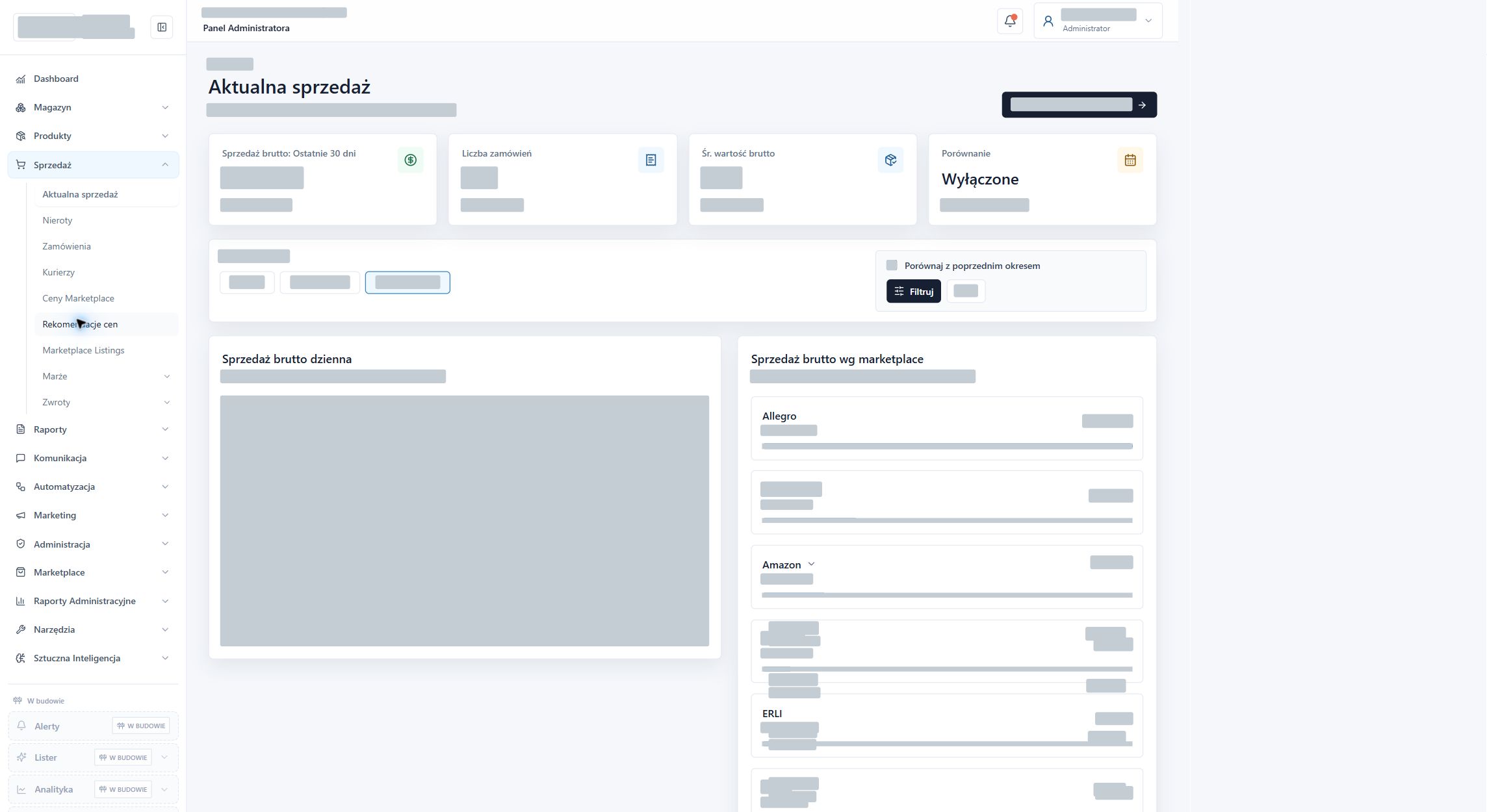
Sales summaries with date selection and breakdowns by marketplace channel.
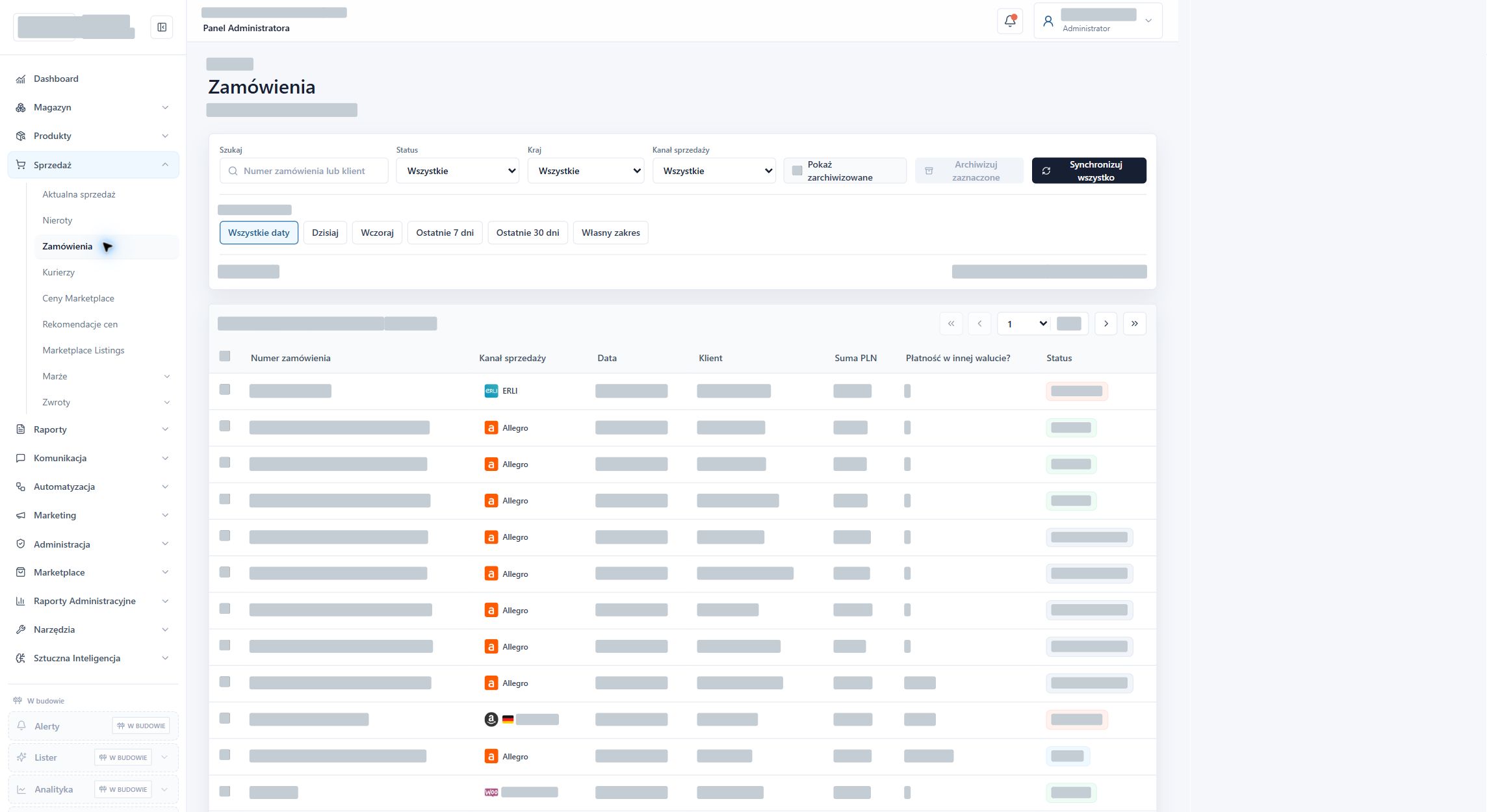
Actual screen · data obscured
An order list with search and filters for channel, country, status and date, plus access to order details.
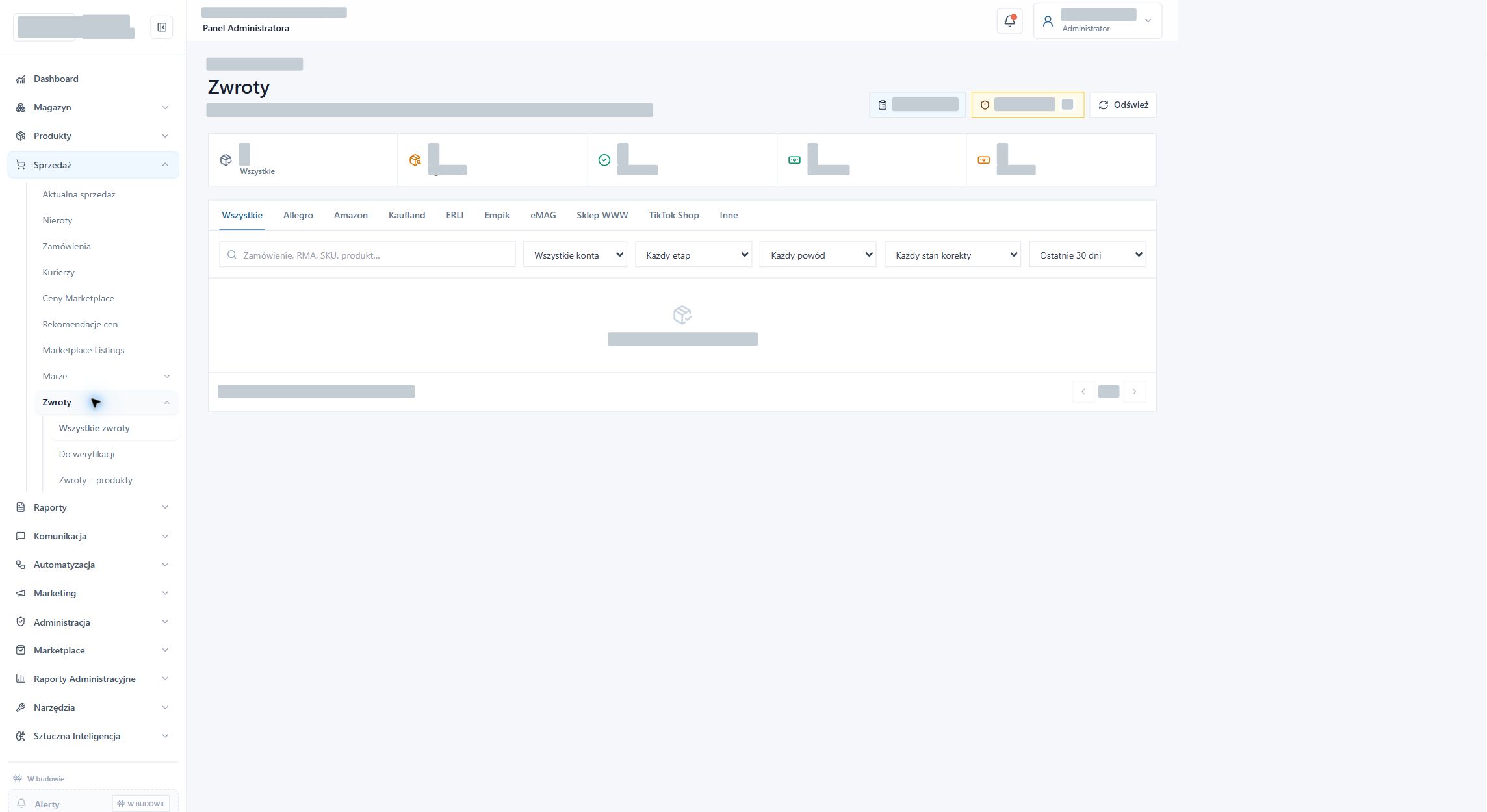
Actual screen · data obscured
Returns grouped by channel, stage, reason and adjustment status. Filters select the period and sales account.
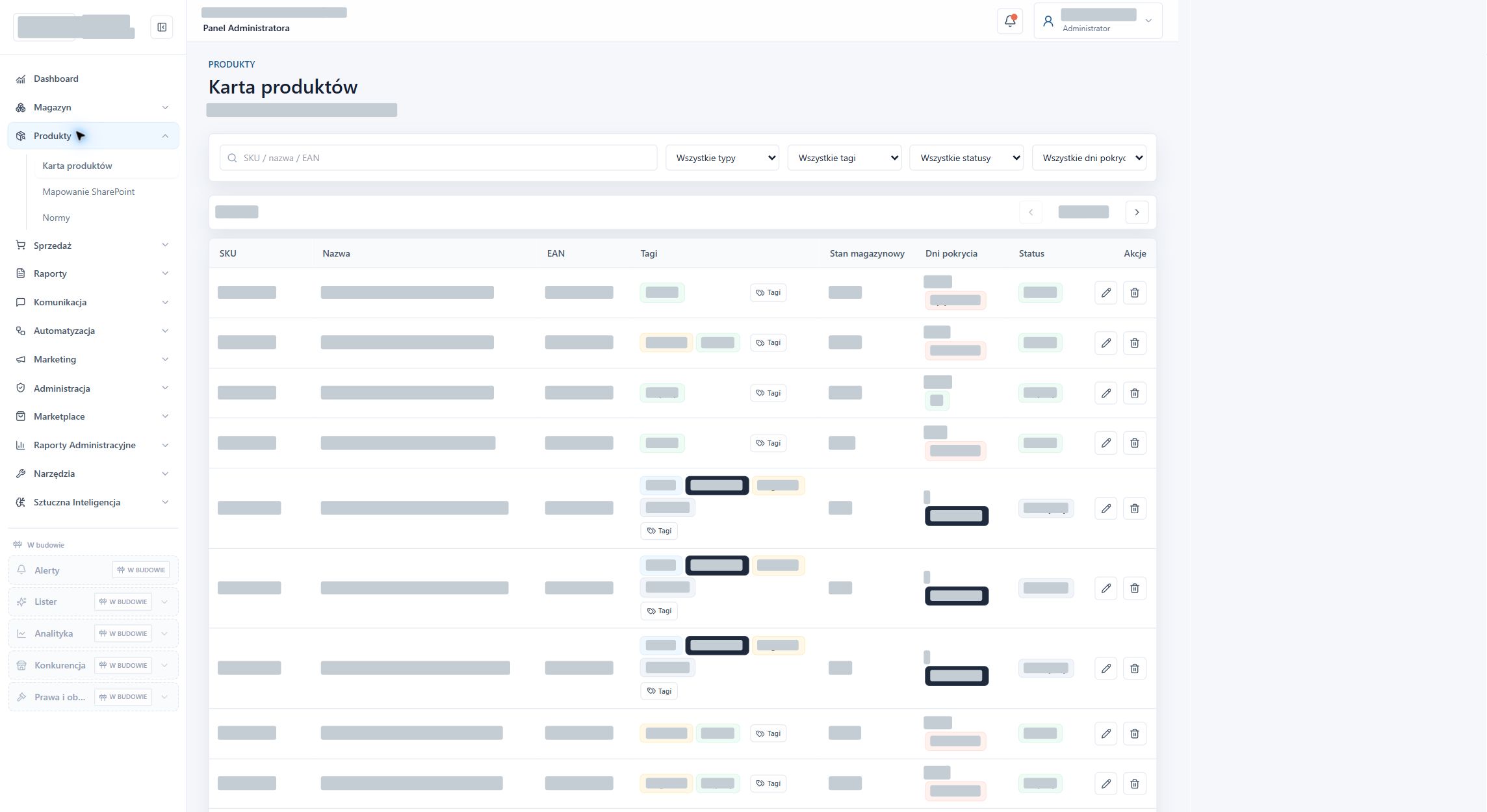
Actual screen · data obscured
Search by SKU, name, and EAN, as well as tag, status, and stock coverage filters. Assortment data has been obscured.
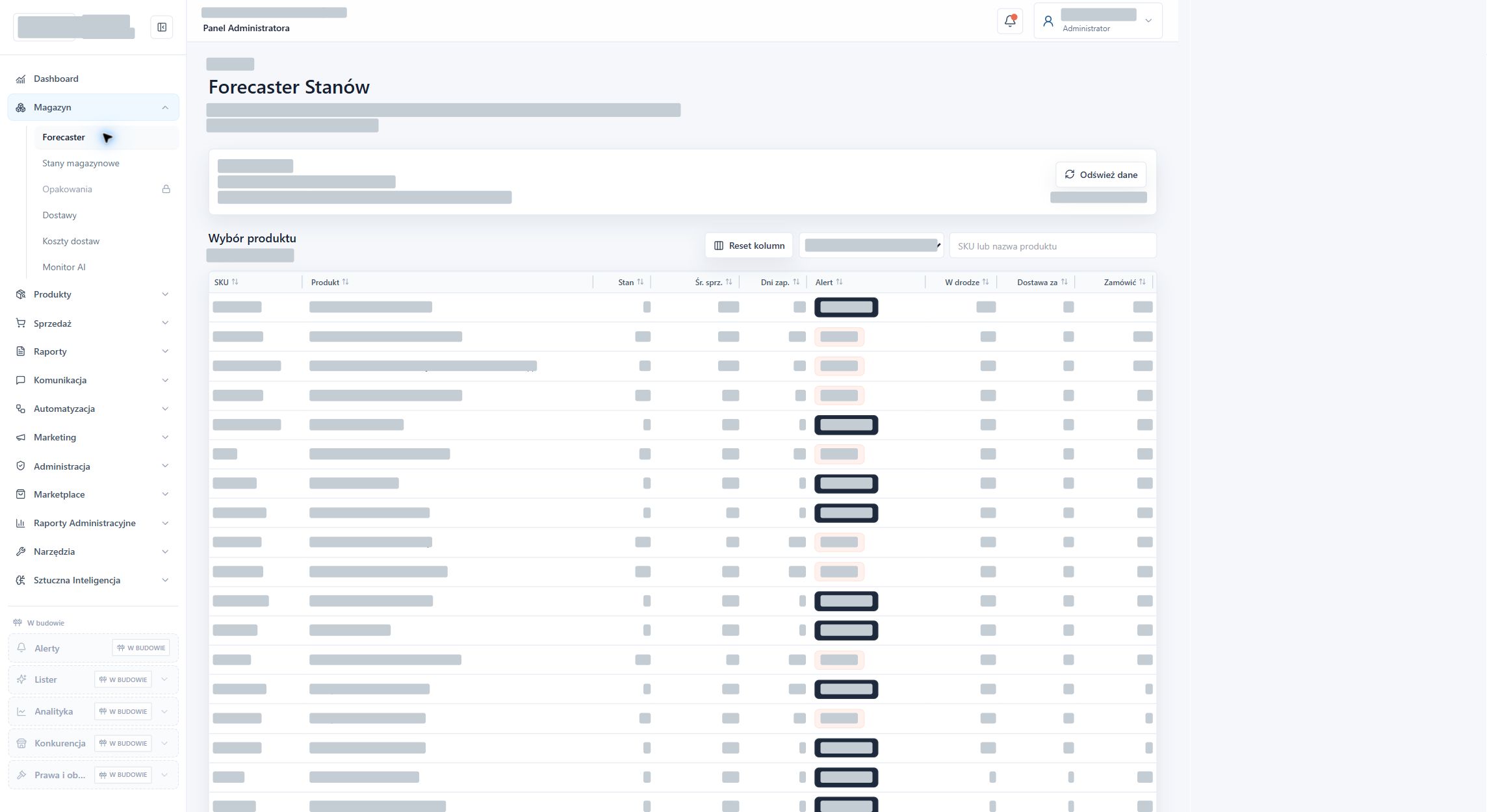
Actual screen · data obscured
Overview of inventory, sales rate, deliveries, and recommended reorders. Search and sorting options make it easy to select products for analysis.
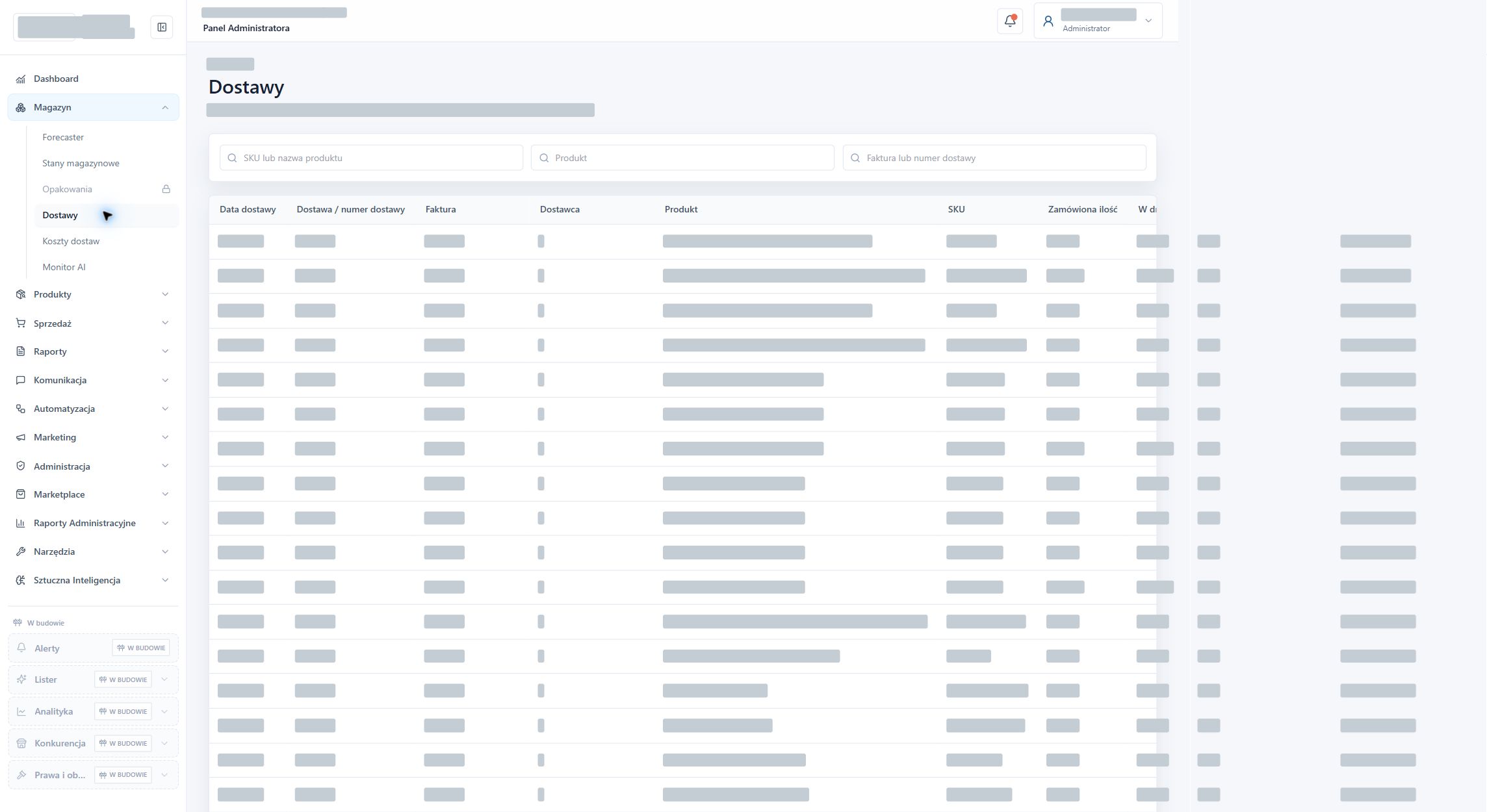
Actual screen · data obscured
Expected dates, invoices, suppliers and quantities in transit. Document, product and supplier details are obscured.
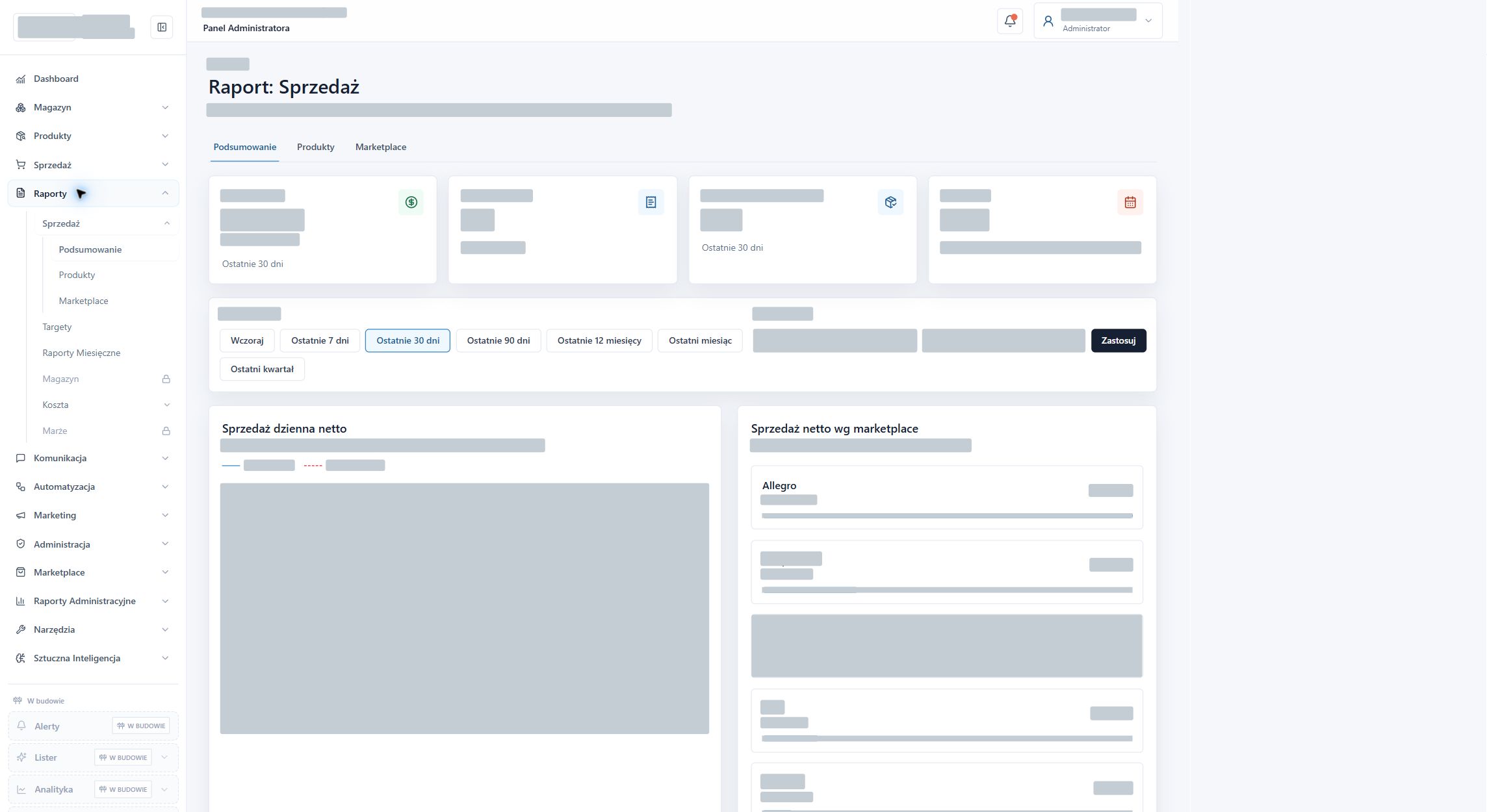
Actual screen · data obscured
Performance summary, date ranges, and product and channel breakdowns. Confidential figures, charts, and sales shares have been obscured.
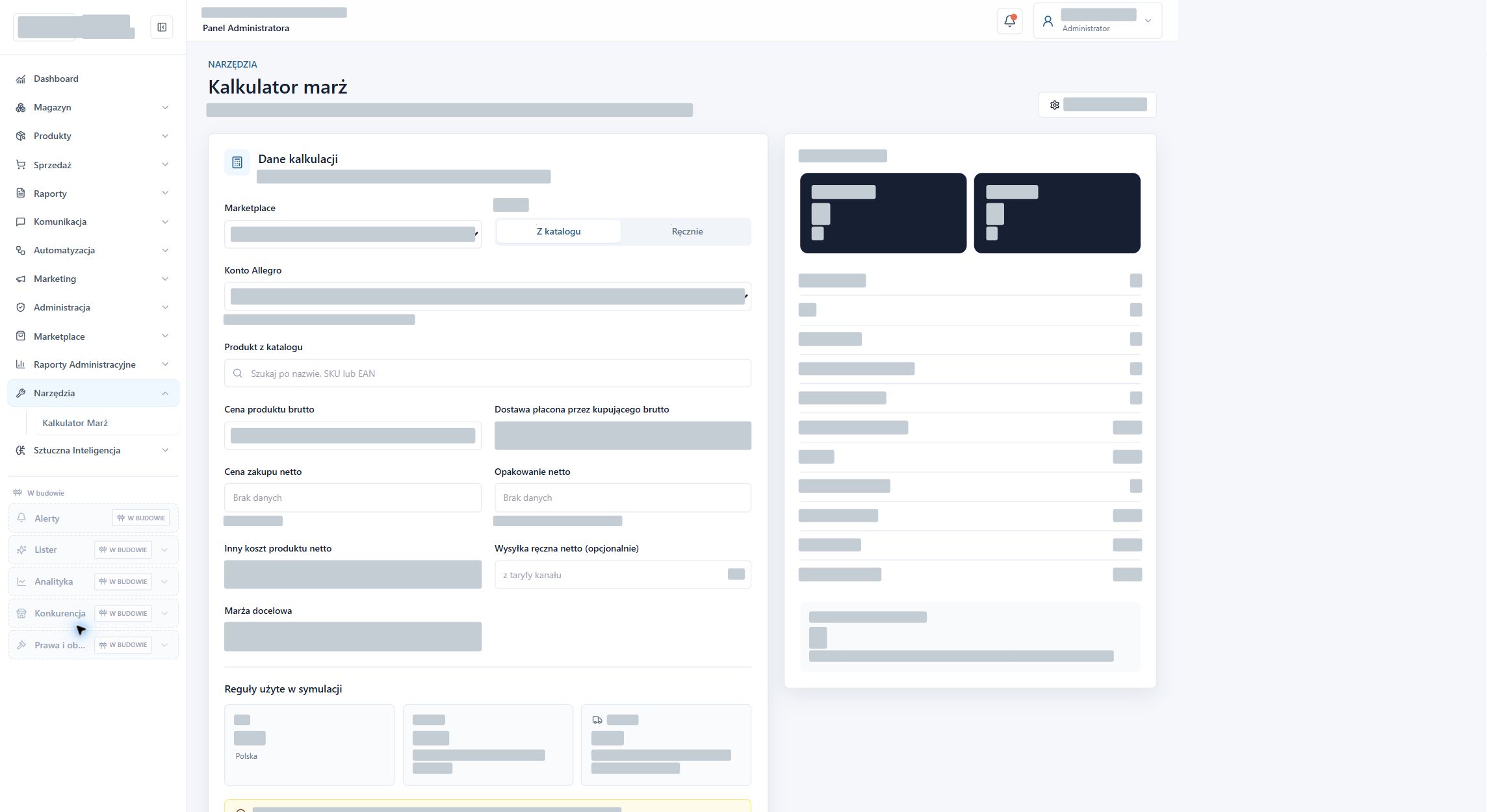
Actual screen · data obscured
Simulation of price, purchasing costs, shipping and packaging costs, and target margin. Account settings and calculation values remain hidden.
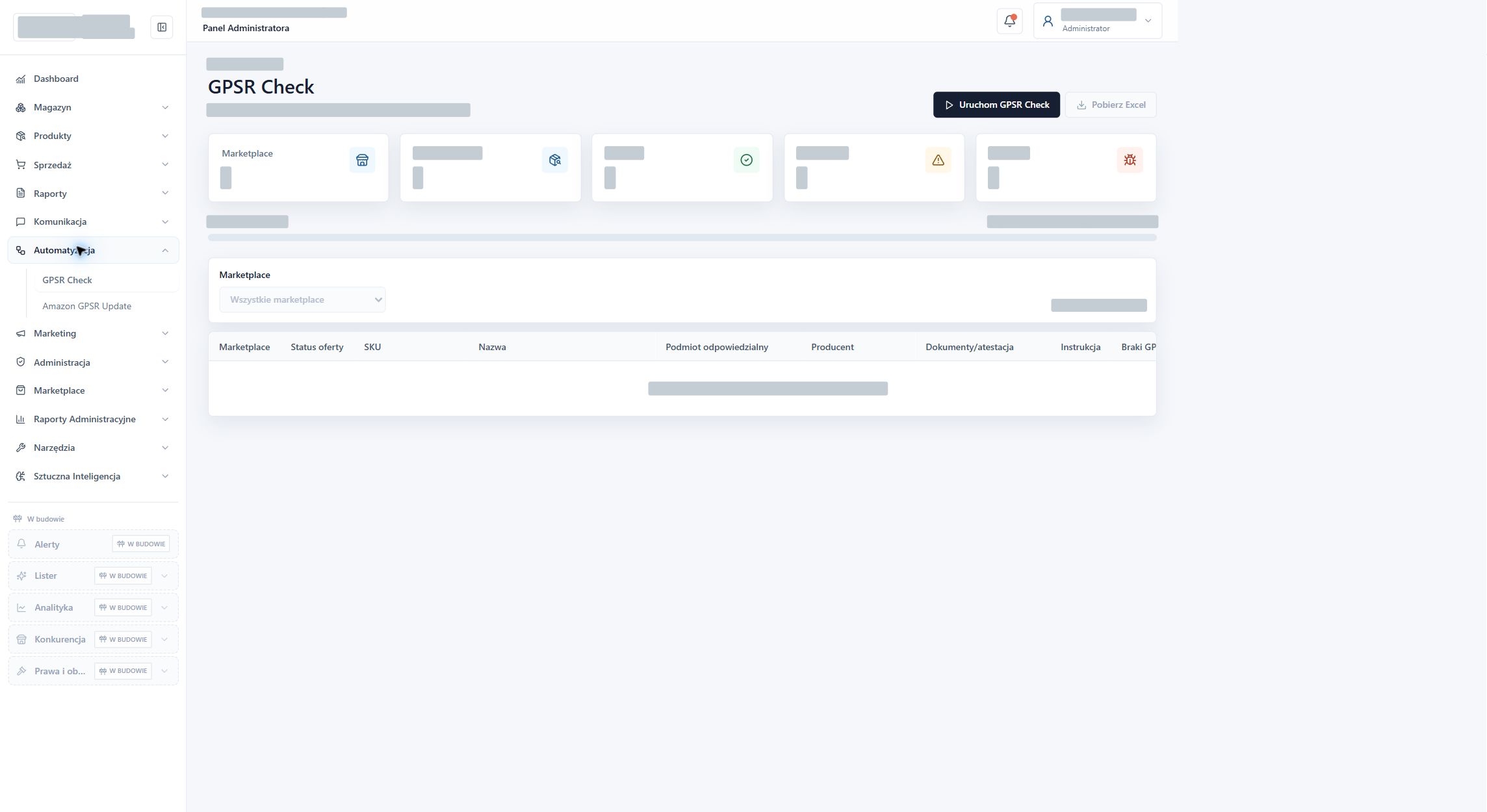
Actual screen · data obscured
View for checking the manufacturer, responsible entity, documents, and instructions. This screen includes filters, statuses, and results export.
Actual screen · data obscured
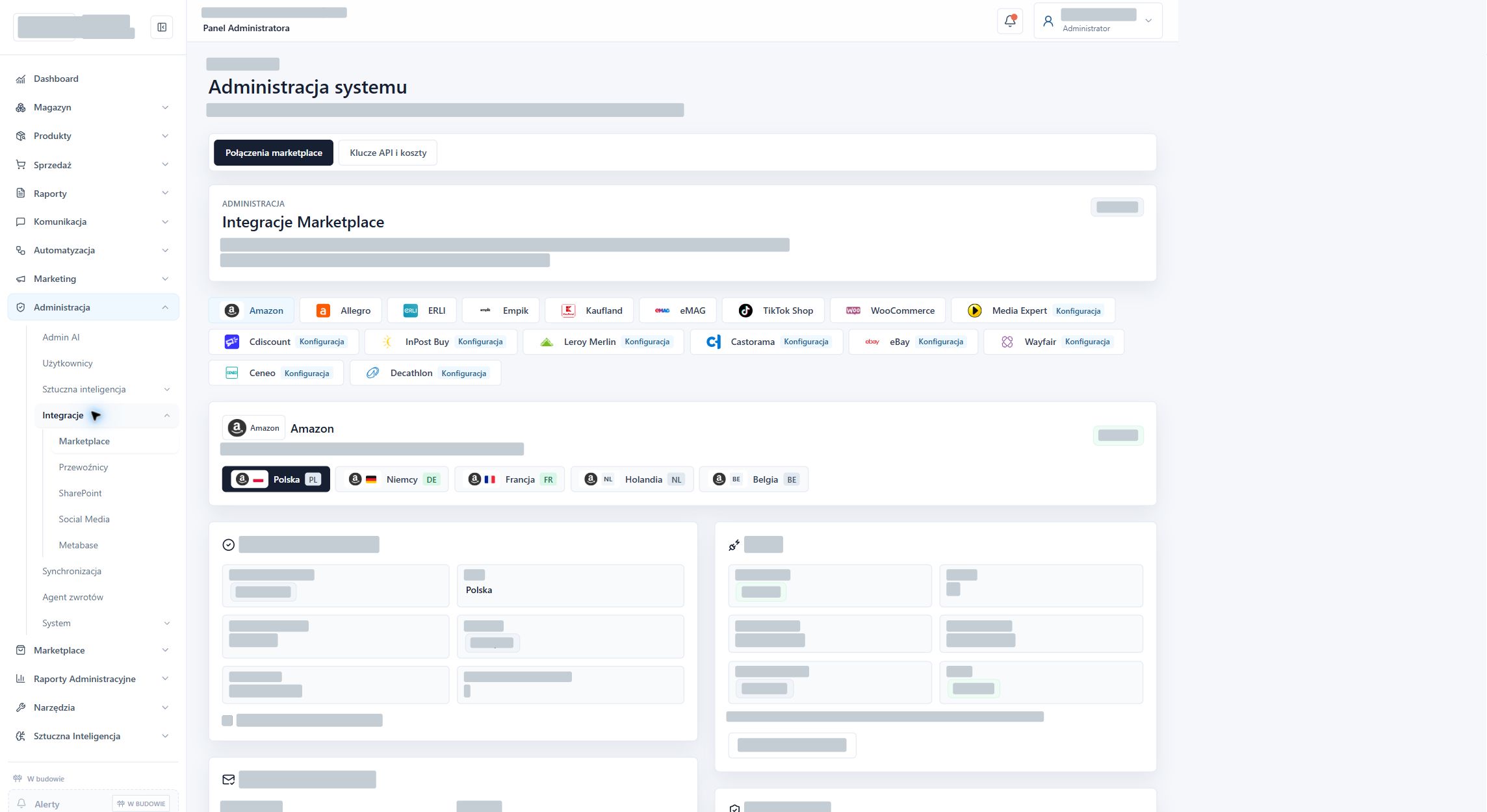
A common dashboard for sales channels, account connections, and diagnostics. Confidential configuration is obscured; the scope of active features depends on the connection.
The dashboard's scope includes day-to-day e-commerce management, data analysis, and administration. Data availability and actions depend on connected sources, configuration, and permissions.
I've created a shared dashboard with a summary of sales, orders, returns, products, and ads. Charts, bestseller lists, and the ability to customise the dashboard and menu help you get started with the information you need.
I've combined stock levels, reservations, availability, in-transit deliveries, and stock coverage days. Search and filters allow you to find a product and identify the risk of out-of-stock items.
I've added inventory forecasts and recommended reorders, sales history, and a view of future deliveries. The module displays the data source, refresh time, and warnings; if a connection isn't configured, it can use flagged demo data.
I've compiled a list of delivery dates, suppliers, delivery numbers, and invoices. Each product displays quantities ordered, received, and in transit, along with status and notes.
I've added recommendations with priority, justification, evidence, sales history, and expected deliveries. The operator can approve, reject, or postpone the recommendation. Recording the decision doesn't send the order to the supplier. The module includes a schedule, alerts, and execution history.
I've collected individual products and bundles, along with SKUs, EANs, names, tags, statuses, and inventory information. I've added search, filtering, and product detail and editing features.
I created a product-to-material mapping in SharePoint, as well as views of standards and their details. These associations help organise product documentation.
I've added views of sales value, number of orders, and average basket value. Selecting dates, channels, and comparison periods allows you to see changes in sales.
I've prepared an order list and detailed views with line items, sales channels, and available fulfilment data. The carrier area organises information related to shipment processing.
I've added a separate area for reviewing low-turnover products. This helps identify items that require inventory, pricing, or sales activity analysis.
I prepared views of active listings and linked products for marketplace channels. Available features depend on each connection’s configuration and account permissions.
I've added price comparison across sales channels, a price change history, and a price recommendation area. This allows you to analyse product offerings across multiple channels from a single dashboard.
I prepared margin views by channel, as well as cost settings and calculation assumptions. Purchase, commission, shipping, and packaging data support profitability assessments.
I've added a price and margin simulation for the selected product and channel. The calculator takes into account costs and calculates the minimum price for a given profitability level. The calculation itself does not change the offer price.
I've consolidated tickets, products, reasons, handling stages, and correction statuses into a single module. A separate queue identifies issues requiring review, and filters help you work by channel and status.
I've prepared summaries, product and marketplace channel reports, monthly summaries, and targets. Date range selection and period comparisons help assess changes on a common basis.
I've added reporting areas for marketplace fees, shipping and returns, and advertising costs for Google Ads, Amazon Ads, Kaufland Ads, Allegro Ads, and Meta Ads. Data availability depends on the connected source.
I created a separate revenue report accessible to the administrator. I separated the management view from day-to-day operational management.
I've merged conversations from connected sales and email channels. I've added search, channel and status filters, a response queue, contact history, notes, case routing, and conversation closure.
Within a conversation, the operator sees available order, product and delivery details. I added templates, signatures, attachments, saved drafts and translations of messages and replies. Sending capabilities depend on the channel and remain under the operator’s control.
I've added checks for information about the manufacturer, responsible entity, documents, and instructions. Statuses indicate deficiencies, results can be exported to Excel, and I've created a separate GPSR update area for Amazon.
I created areas for marketing work and reviewing ratings and feedback. The marketing centre and agents are implemented and operational, with their features also described in separate portfolio projects.
I've compiled connection configurations for Allegro, WooCommerce, ERLI, EmpikPlace, Amazon, Kaufland, and eMAG. Each source has its own settings; presence in the panel doesn't automatically mean an active connection or full support for all operations.
I've developed areas for connecting carriers, SharePoint, Metabase, and social media. These connect operational data, documents, and reporting to the dashboard.
I added a synchronisation dashboard and progress monitoring. Run history, refreshes and errors help identify which data each module is using.
I've prepared settings for AI providers, models, and limits, instructions, and agent management areas. I describe specific automations along with their applications; some of the general AI screens remain interfaces for further development.
I've added user and administrator accounts, logins, and restricted access to administrative areas. Permissions affect visible modules and available actions.
I prepared email account settings, logs, backups, updates, and integration administration. Separate areas are dedicated to agent configuration and system maintenance.
I prepared the server, application environment, database, domain, and SSL. I combined the interface, modules, and backend into a single work environment.
I implemented general alerts, Lister, trend and market analysis, competitor analysis, and monitoring of sources and changes in assigned responsibilities. Lister helps generate titles, descriptions and translations.
I launched the packaging module, inventory report, margin report, marketing plan, and reputation alerts. These modules operate as part of a common e-commerce management system.
Tell me what processes you'd like to integrate. I'll tailor the scope to your workflow.
Explore the related services: Custom software development · System integration services.
Let's talk about the project →