How much does a store from ActiveAI cost?
You can find the starting prices for my packages in the table below. This is ActiveAI's offer, not the average market price. I confirm the final price after determining the number of products, categories, variants, payment, shipping, and integration.
A starter store is ideal for a small collection and a simple purchase path. A larger catalogue may require filters, expanded categories, and product imports. Connecting to a warehouse or other sales channels also involves establishing data flow and verifying the integration's functionality.
Each starting price applies to the scope described. The number of products to be added is agreed in your quote, alongside materials and revision rounds. See the full comparison in my WooCommerce development service.
| Package | Starting price |
|---|---|
| Starter store | PLN 2,999 net |
| Store with a larger catalogue | PLN 4,499 net |
| Store with integrations | PLN 5,999 net |
Is WooCommerce free?
The basic WooCommerce platform is free and doesn't require a subscription fee for its core functionality. This is confirmed by the developer in the source provided at the end of this guide. However, free software doesn't mean a ready-made, cost-free store. See what WooCommerce is and how it works in real-world dashboard screenshots.
Implementation includes work on the appearance, catalogue, purchases, configuration, and testing. The store also requires hosting and a domain. Selected extensions may have separate licences, and the payment processor may have its own transaction fees. Therefore, the implementation price and subsequent operational costs should be considered separately.
What changes the implementation price the most?
Two stores with similar product counts can need very different amounts of work. A simple product with a photo and price differs from one with many sizes, bundles and delivery rules. Materials also matter: a structured import file takes different work from descriptions and photos scattered across messages.
Before I quote, I verify which features are essential to launching your business. Any upgrades you don't need yet can be planned for later.
- Catalogue: products, variations, categories, filters and import method.
- Materials: ready-made descriptions and photos or their preparation as part of an additional scope.
- Appearance: number of different views and requirements for presenting the offer.
- Sales: payment providers, delivery methods, languages and currencies.
- Integrations: warehouse system, accounting and other sales channels.
How do you plan first-year costs?
The first-year budget includes the implementation price plus the launch of external services, their maintenance, and agreed-upon technical support. Plan separately for sales-related costs, such as payment commissions and shipping. Advertising, product preparation, and daily order processing are also not included in the price of building a website.
I don't provide a single flat fee for hosting, domain, and add-ons; it depends on the services you choose, their pricing, and your store's needs. In the breakdown, check both the initial and renewal prices. The first-year promotion doesn't determine the cost of maintenance for subsequent years.
You can order updates, backups, and assistance with changes as part of your store maintenance or as individual tasks. I discuss the scope and price separately.
Prepare two budgets: launch and the first 12 months, then the following 12 months. The second should exclude the original development fee but include renewals at standard prices. For each item, record the amount, billing period, due date and whether it is required. Mark unknown prices as “to be confirmed”, not zero.
The technical budget for the first year is: implementation + domain and hosting + licences + agreed-upon maintenance + planned changes. Add sales-related costs to this. If the service is paid monthly, count the number of months you'll actually use. For the second full year, multiply the fixed monthly fee by 12. Compare all items on the same basis: net vs. net, or gross vs. gross.
Calculate fees using the payment provider’s terms. If there is a percentage fee plus a fixed charge per transaction, you need both payment value and transaction count. Calculate delivery costs separately; what the customer pays for delivery may differ from your cost. Prepare lower and higher sales scenarios rather than assuming one certain outcome.
This breakdown helps you compare WooCommerce store development offers, including running costs. Ask for development, one-off and renewable licences, and optional services to be itemised separately.
| Cost item | The first 12 months | The next 12 months |
|---|---|---|
| Store development | Fixed implementation price. | No repeat charge for the original development; new work is separate. |
| Domain and hosting | Purchase and fees due during this period. | Renewal according to the supplier's regular price list. |
| Extensions and integrations | Purchase of licences and possible subscriptions. | Renewals of necessary licences and further subscriptions. |
| Technical support | Agreed monthly plan or one-off tasks. | Service in line with the selected scope and current quote. |
| Payments | Commissions and fees based on projected sales. | Recalculate using projected sales and the provider’s terms. |
| Deliveries | Shipments, packaging and agreed additional services. | Costs appropriate to the number and type of shipments. |
| Development | Only additional work beyond the implementation price. | Planned changes and new features. |
Example: a small catalogue and a store with integrations
Imagine a brand selling a small collection of physical products. The owner has photos and descriptions, needs one payment method and one delivery option, and handles orders independently. This may fit the starter store scope. I check the catalogue, variations and materials before confirming a price.
A second store needs to exchange selected data with an inventory system. Installing a plugin alone does not decide which system controls the data, how often it synchronises or how errors are handled. Defining and testing those rules affects the price.
These are sample situations for scope comparison, not ready-made estimates. Descriptions of actual work can be found in the WooCommerce store development implementation and sales integration examples.
Does migrating my current store cost extra?
I quote for a store transfer after reviewing the current system and available exports. It's important to determine which products, variants, images, and content will be transferred, and how we will verify the completeness of the data. Order history and customer accounts require a separate assessment of the scope and feasibility of the transfer.
The migration plan also includes comparing old and new addresses and preparing any necessary redirects. We determine the transition date and how to handle any changes to the catalogue during the work. Therefore, the number of products is only one cost element.
Before requesting a quote, all you need is your current store address and information about the system you're using. Please do not enter passwords, API keys, or customer data in the standard inquiry form.
Explore a store before deciding to build one
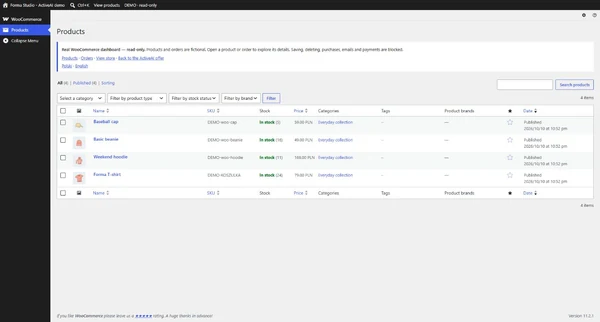
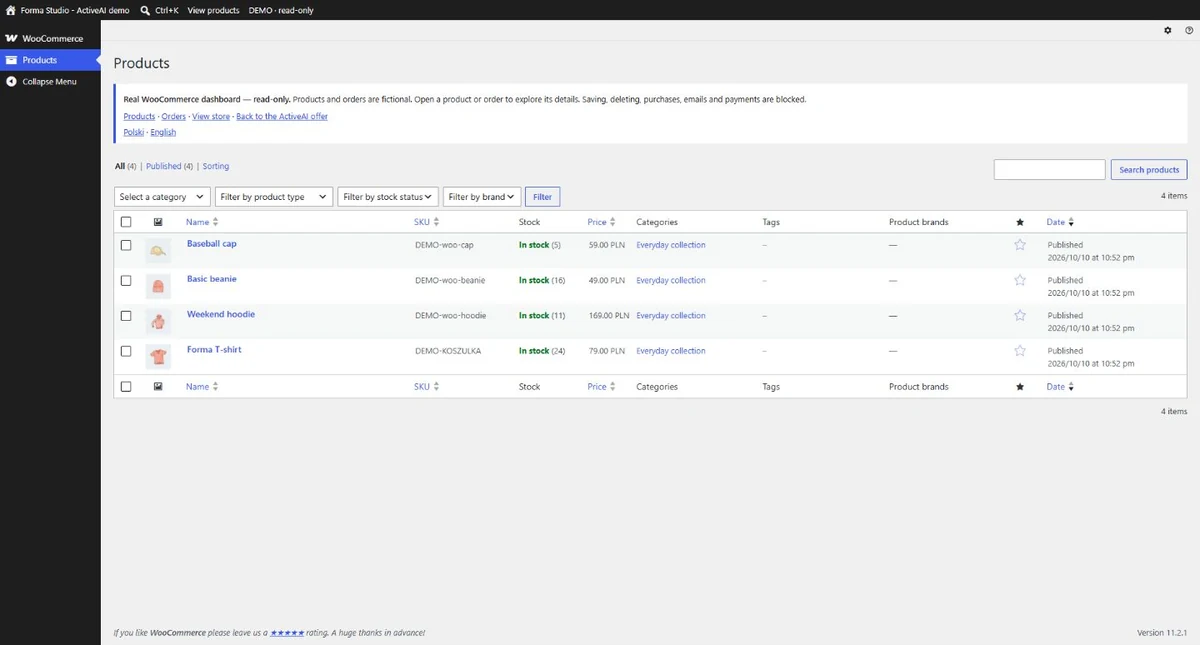
Before comparing offers, explore how a store and its daily management can work. My WooCommerce demo shows the catalogue and product pages from the customer’s perspective, plus products and sample orders in the real dashboard.
The demo works without logging in and is read-only. The data is fictitious; you won't be able to save changes or place an order. This is an example interface, not a list of features included in each package. Details on payments, shipping, and integration are covered in the WooCommerce Features Guide.
While browsing, note the features your products need. This will help you compare WooCommerce store build options and define the scope for a quote.
How do you compare offers and prepare for a quote?
Compare specific scopes. Check whether the quote includes adding products, configuring payment and delivery methods, mobile layouts, checkout tests, SEO foundations and user instructions. Agree who pays for licences, who owns service accounts and how later changes are priced.
Provide the product type, approximate catalogue size, variants, and required integrations. Please include whether you have ready-made images and descriptions, the expected date, and whether you're transitioning your current sales. You don't need to know the names of all the plugins—a description of how the store will work is more important.
You can start with an online store brief or contact me. Based on that, I'll determine the scope and prepare a personalised quote.
Questions and Answers
Does the store price include all plugins?
It covers the agreed-upon implementation scope. Paid licences and external services are listed separately before purchase. It's also worth checking their cost and renewal date.
Can you start with a simple store and expand it later?
Yes, the scope can be divided into stages. It's worth outlining the planned features from the outset to allow for future development when selecting the catalogue structure and tools.
Are the amounts given net or gross?
The table shows net starting prices. The final price and additional costs are confirmed in your quote.
Sources and further reading
From knowledge to action
See how I can help with your project.